
- cheapest Japan plan found on 14 November 2026: 1 GB for 3 days at Airalo
- $4
- full-speed allowance of Airalo's unlimited plans, then 1 Mbps until the next day
- 3 GB a day
- hotspot data you can share from a Holafly unlimited plan
- 1 GB a day
On this page
An eSIM for Japan costs from $4 for 1 GB over 3 days and around $27 for a week of unlimited data, on the prices we read on the vendors' own Japan pages on 14 November 2026. You buy it online, install it at home with a QR code and it connects when you land at Narita, Haneda or Kansai. Every plan below is data only, with no Japanese phone number, and runs on SoftBank or KDDI.
Best eSIM for Japan in 2026, by type of trip
There is no single best eSIM for Japan. The right plan depends on how long you stay and how much you use your phone, so here is the cheapest plan we found for each case, with the catch that comes with it.
- Short trip, heavy use (up to 7 days). An unlimited 7-day plan costs $26.50 at Airalo, $26.95 at Yesim and $27.50 at Holafly. Airalo drops to 1 Mbps after 3 GB in a day. Holafly publishes no daily figure but limits hotspot sharing to 1 GB a day.
- Two weeks, normal use. Maps, messaging, translation and social media fit in 10 GB. That is $17.50 for 15 days at Airalo or $17.60 for 30 days at Yesim. If you watch video on trains, 20 GB for 15 days costs $24 at Airalo.
- Three to four weeks. 20 GB for 30 days costs $25 at Airalo and $27.28 at Yesim, and 30 GB costs $36.30 at Yesim. Unlimited for 30 days runs from $60.50 at Yesim to $73.90 at Holafly, which only makes sense above roughly 1 GB a day.
- Couples, families and groups. One eSIM per phone is usually cheaper than sharing: 5 GB for 7 days costs $10 each at Airalo. To share one plan instead, check the hotspot rule first. Yesim marks its Japan plans as hotspot available, and Holafly caps sharing at 1 GB a day.
- Staying longer than a month, or needing a Japanese number. A travel eSIM is the wrong product. See the sections on Japanese phone numbers and Japanese carriers below.
eSIM Japan: best plans compared on 14 November 2026
Three vendors whose Japan page we could read in full, with the same five lines for each.
Airalo Japan (Moshi Moshi), fixed data and unlimited plans
- Plan
- 1 GB to 20 GB over 3, 7, 15 or 30 days, or unlimited data from 3 to 30 days
- Price checked
- $4 for 1 GB over 3 days, $10 for 5 GB over 7 days, $17.50 for 10 GB over 15 days, $25 for 20 GB over 30 days. Unlimited: $26.50 for 7 days, $48 for 15 days
- Network
- SoftBank and KDDI in 5G, Rakuten also listed. Not on NTT docomo
- Best for
- Light and normal use on a fixed budget, from a long weekend to a month, with top-ups if you run short
- Good to know
- Data only, no phone number. Unlimited plans drop to 1 Mbps after 3 GB in a day. Hotspot rule not stated on the Japan page
Holafly Japan, unlimited data by the day
- Plan
- Unlimited data only, sold by duration: 3, 5, 7, 10, 15 or 30 days
- Price checked
- $11.90 for 3 days, $20.50 for 5 days, $27.50 for 7 days, $36.50 for 10 days, $50.50 for 15 days, $73.90 for 30 days
- Network
- KDDI and SoftBank, 5G where available. Not on NTT docomo
- Best for
- Heavy use on your own phone without watching a data counter, on a trip of one to two weeks
- Good to know
- Data only, no phone number. Hotspot limited to 1 GB a day. No published daily threshold, speed can be reduced for a day under the operator's fair usage policy
Yesim Japan, 30-day data packs and unlimited by the day
- Plan
- 1 GB to 30 GB valid 30 days, or unlimited data for any duration from 1 to 30 days
- Price checked
- $4.07 for 1 GB, $9.68 for 5 GB, $17.60 for 10 GB, $27.28 for 20 GB, $36.30 for 30 GB, all over 30 days. Unlimited from $3.85 a day
- Network
- SoftBank in LTE and 5G. Not on NTT docomo
- Best for
- Trips of two to four weeks on a data pack, and sharing a connection with a second device
- Good to know
- Data only, no phone number. Hotspot available. Unlimited speed may be limited under the operator's fair usage policy, no threshold published
Prices in US dollars read on 14 November 2026 on the Japan page of each vendor (Airalo, Holafly, Yesim). They change often: the price at checkout is the one that counts. All plans are data only, with no Japanese phone number.
eSIM Japan prices by trip length: 7, 15 and 30 days
The table lines up the plans by what you would actually buy for a trip. Prices are in US dollars as displayed on each vendor's Japan page on 14 November 2026. They change often, sometimes weekly, so treat them as an order of magnitude and read the final price at checkout.
| Plan | Airalo | Holafly | Yesim |
|---|---|---|---|
| 1 GB | $4 for 3 days | Not sold | $4.07 for 30 days |
| 5 GB | $10 for 7 days, $10.50 for 15 days, $11 for 30 days | Not sold | $9.68 for 30 days |
| 10 GB | $17 for 7 days, $17.50 for 15 days, $18 for 30 days | Not sold | $17.60 for 30 days |
| 20 GB | $24 for 15 days, $25 for 30 days | Not sold | $27.28 for 30 days |
| 30 GB | Not sold | Not sold | $36.30 for 30 days |
| Unlimited, 3 days | $11.50 | $11.90 | $11.55 |
| Unlimited, 5 days | $17 | $20.50 | $19.25 |
| Unlimited, 7 days | $26.50 | $27.50 | $26.95 |
| Unlimited, 10 days | $34.50 | $36.50 | $31.69 |
| Unlimited, 15 days | $48 | $50.50 | $39.60 |
| Unlimited, 30 days | $69 | $73.90 | $60.50 |
| Japanese network | SoftBank and KDDI, Rakuten also listed | KDDI and SoftBank | SoftBank |
| Hotspot | Not stated on the Japan page | Yes, 1 GB a day | Yes |
| Phone number | No | No | No |
| Top-up | Yes | Not offered on the page | Yes |
Two notes on how to read it. Yesim shows its 1-day unlimited price ($3.85) on the page and loads the other durations from the page's data, with a rate per day that falls from the eighth day. And the validity of all three starts when the eSIM first connects to a network in Japan, not when you buy or install it: Airalo gives you 365 days to start a plan, Yesim 90 days.
Other names come up in every search for a Japan eSIM. Ubigi listed 10 GB for 30 days at $16.50 on the same date. Saily sells Japan plans too, but its site refused our reading, so we publish no Saily price here. Mobal and Sakura Mobile are the two that sell an eSIM with a Japanese number, and since 30 April 2026 the Japanese carrier KDDI sells its own visitor eSIM under the povo brand, covered further down.
eSIM Japan with unlimited data: what the fair use policy means
Unlimited rarely means unlimited at full speed. Each vendor words it differently, and the difference matters if you upload video, work remotely or tether a laptop.
- Airalo writes it plainly on every unlimited Japan plan: "Lower speed rate of 1 Mbps after 3 GB usage per day." At 1 Mbps, maps, messages and music still work, and video drops to low quality.
- Holafly gives no number. Its Japan page says speed can be reduced "in rare cases" under the operator's Fair Usage Policy, for no more than one day, and that it resets the following day. What it does state is the hotspot cap: 1 GB of shareable data per day.
- Yesim gives no number either. Its page reads "Data speed may be limited in accordance with the network operator's Fair Usage Policy" and stops there.
In practice, an unlimited plan is worth its price if you use more than about 1 GB a day. Below that, a 10 GB or 20 GB plan costs less and never slows down until it runs out, and both Airalo and Yesim let you top up.
Which network your Japan eSIM uses: SoftBank, KDDI (au), docomo, Rakuten
Japan has four mobile operators: NTT docomo, KDDI (sold as au), SoftBank and Rakuten Mobile. A travel eSIM does not have its own antennas. It roams on one or two of them, and that decides where you get a signal.
| eSIM | Network in Japan, as stated by the vendor | 5G |
|---|---|---|
| Airalo (Moshi Moshi) | SoftBank and KDDI. Rakuten also appears in its network list | Yes |
| Holafly | KDDI and SoftBank | Yes, where available |
| Yesim | SoftBank (KDDI for the 4-day unlimited plan) | Yes |
| Mobal (with Japanese number) | NTT docomo | Yes |
| povo Japan SIM | KDDI (au) | Yes |
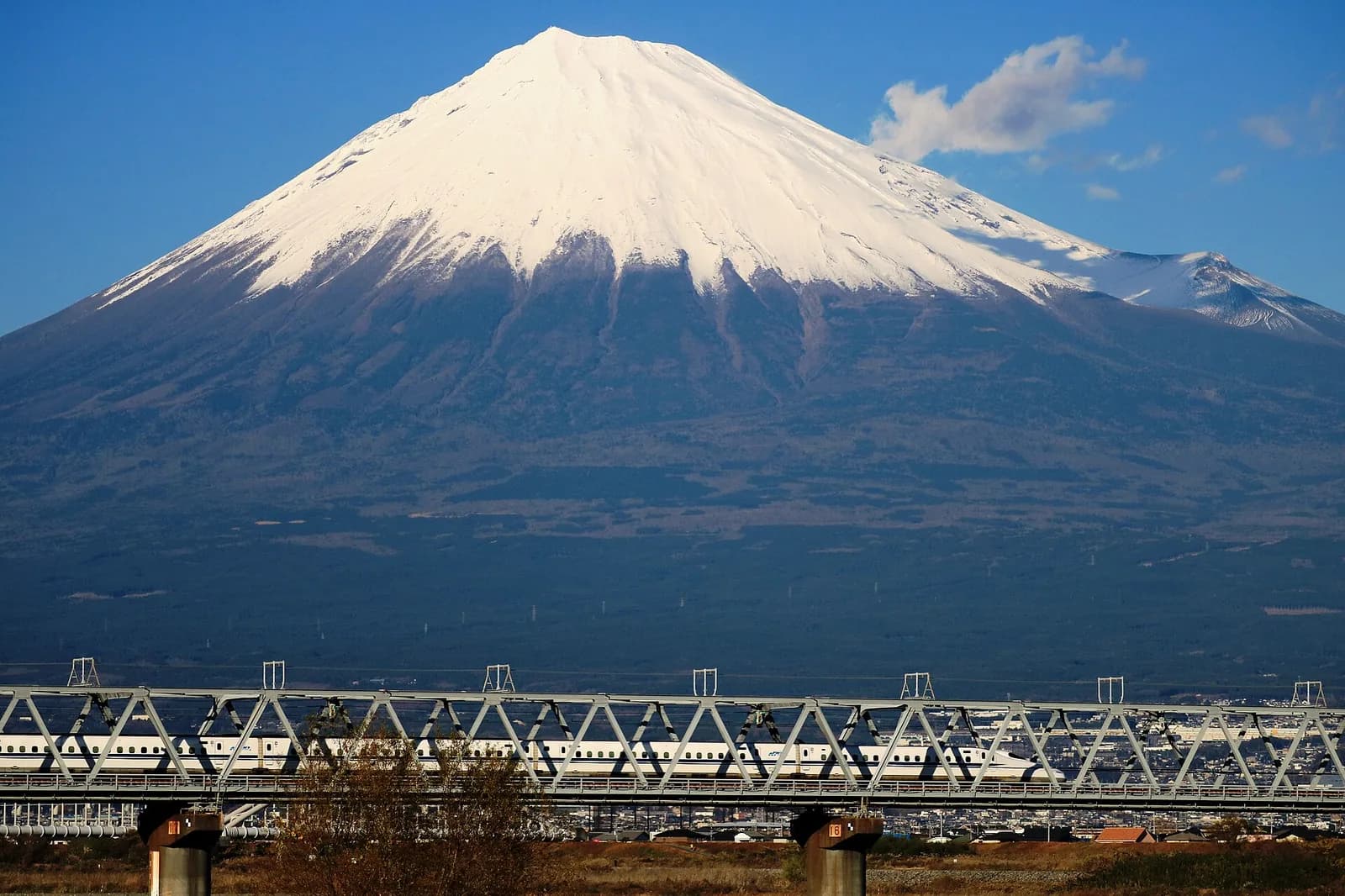
Cities, the Shinkansen and the main tourist route
Tokyo, Yokohama, Nagoya, Kyoto, Osaka, Hiroshima and Fukuoka are covered by all four operators, in 4G and 5G. On the classic route described in our Japan itinerary, any of the eSIMs above works, and having two networks (Airalo, Holafly) rather than one is a comfort, not a necessity. On the Shinkansen, expect the connection to drop for a few seconds in some tunnels. No operator publishes tunnel-by-tunnel coverage in English, so we cannot rank them on that point, and anyone who does is guessing.
Mountains, rural Hokkaido and ski resorts
The gaps appear away from towns: hiking trails in the Japanese Alps, forest roads, the east and north of Hokkaido. Here the usual advice is docomo, which Tokyo Cheapo, a comparison site that retests Japan eSIMs through the year, describes as the widest network (it cites Opensignal's April 2026 ranking for coverage) and suggests for ski trips to Nagano, Niseko and Furano. None of the three travel eSIMs compared above uses docomo. If your trip is mostly mountain or backcountry, pick an eSIM that names docomo on its product page, download offline maps before you leave the hotel, and do not rely on a phone signal for safety on a trail.
Okinawa and the smaller islands
Airalo states that its plan "covers all of Japan, including Okinawa and Hokkaido", and Holafly that you can cross the country without switching eSIM. Naha and the resort coast of the main island of Okinawa are ordinary city coverage. On the outer islands, signal follows the villages and ports. We found no published figures by operator for the remote islands, so plan for patches without data on boat crossings and empty coasts.
Is your phone compatible with a Japan eSIM, and is it unlocked?
Two conditions, and the second is the one that catches people out: the phone must support eSIM and must be carrier-unlocked.
- iPhone. eSIM works on the iPhone XS, XS Max, XR and every later model, according to Apple. The iPhone 13 and later can keep two eSIMs active at once. iPhones sold in mainland China have no eSIM on most models, and some Hong Kong and Macao models carry two physical SIM slots instead.
- Google Pixel. Pixel 4 and later, according to Google's help pages. The Pixel 10 range sold in the US is eSIM only.
- Samsung Galaxy. The S20 and later, the Z Fold and Z Flip, and some recent A models. Samsung warns that support depends on the country where the phone was sold, even for a listed model.
- Other Android phones. Check the model, not the brand: budget phones and models sold for the Chinese market often have no eSIM.
To check in ten seconds, dial *#06#. If the screen shows an EID (a 32-digit number) next to the IMEI, the phone has an eSIM. For the lock, on an iPhone go to Settings, General, About and scroll to Carrier Lock: "No SIM restrictions" means unlocked. On Android, the surest test is to ask your carrier, or to insert a SIM from another carrier. A phone bought on a contract in the US, Canada, the UK or Australia may still be locked. Unlocking is free once the device is paid off in most cases, but it can take a few days, so ask before the week of departure.
How to install and activate an eSIM for Japan before you fly
Do it at home, on wifi, one or two days before departure. Installing does not start the plan with any of the three vendors compared here: the days count from the first connection to a Japanese network.
- Buy the plan on the vendor's site or app. You receive a QR code by email or an install button in the app.
- Install the eSIM. On iPhone: Settings, Cellular (Mobile Service in the UK), Add eSIM, Use QR Code. From iOS 17.4 you can also press and hold a QR code in an email and choose Add eSIM. On a Pixel: Settings, Network and internet, SIMs, Add SIM. On a Samsung: Settings, Connections, SIM manager, Add eSIM, Scan QR code.
- Name the line something obvious such as "Japan", so you can tell it from your home line.
- Keep your home line for calls and texts, and switch off its data roaming. This is the step that avoids a roaming bill. Apple notes that with both lines active, your home carrier can charge roaming if data falls back to it.
- On landing, set the Japan eSIM as the line for mobile data and turn on Data Roaming for that line only. A travel eSIM is a roaming profile, so it needs that switch on. Turn off "Allow Mobile Data Switching" on iPhone so the phone never falls back to your home SIM.
- Wait a minute or two. The phone registers on SoftBank or KDDI and data starts. iMessage, FaceTime and WhatsApp keep working with your usual number.
Having data from the arrivals hall is useful straight away: your Visit Japan Web QR codes are easier to pull up, and a Suica in Apple Wallet needs a data connection each time you top it up.
Data-only eSIM vs an eSIM with a Japanese phone number
Airalo, Holafly and Yesim all sell data only for Japan. Holafly says it in so many words: its eSIM "does not include a local phone number for traditional phone calls or text messages". For most trips that is fine. You call hotels and restaurants over WhatsApp, LINE or FaceTime, your home number still receives bank codes by SMS on your main SIM, and emergency numbers (110 for police, 119 for fire and ambulance) can be dialled from any phone.
A Japanese number becomes useful in three situations: services that send a verification SMS to a Japanese number only, restaurants and small inns that confirm bookings by phone, and any stay where you sign up for local services. Mobal, which sells such numbers, lists food delivery (Uber Eats Japan, Demae-can), docomo Bike Share, PayPay, concert ticketing (Ticket Pia, e+, Lawson Ticket) and opening a LINE account among the services that ask for one. That list comes from a vendor, so read it as an indication, and for restaurants the simple fix is to ask your hotel to call.
Two visitor products include a real Japanese number: Mobal and Sakura Mobile. Mobal's prices, read on its site on 14 November 2026:
| Mobal eSIM with Japanese number | Price |
|---|---|
| One-off eSIM fee | ¥4,950 (about $31) |
| Voice only | ¥1,430 a month (about $9) |
| Voice and 1 GB | ¥1,650 a month (about $10) |
| Voice and 5 GB | ¥3,190 a month (about $20) |
| Voice and 10 GB | ¥3,630 a month (about $23) |
| Voice and 30 GB | ¥4,378 a month (about $27) |
| Voice and 50 GB | ¥5,280 a month (about $33) |
| Outgoing calls and SMS | ¥44 a minute, ¥33 per SMS. Incoming calls and SMS are free |
The number is a real 070, 080 or 090 mobile number on the docomo network, with no minimum contract. The conditions are stricter than for a data eSIM: the phone must be unlocked, support VoLTE and 4G band 1, and the eSIM is not sent by email. You collect an access code with your passport at a pick-up point or receive it by post after an identity check, then enter your phone's EID. Past the monthly allowance, speed falls to about 200 kbps.
eSIM vs pocket wifi vs physical SIM card in Japan
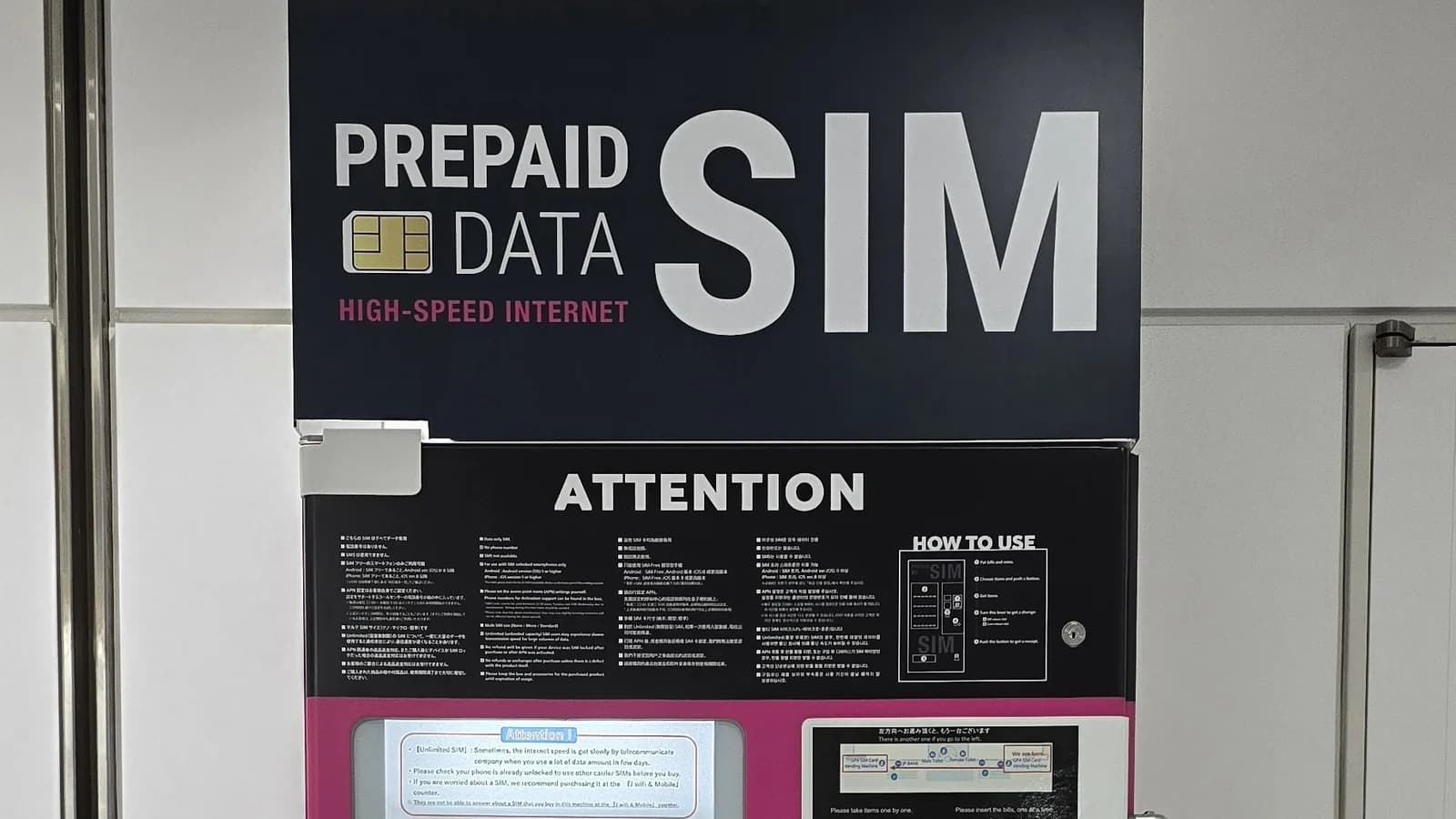
For one or two people with recent phones, the eSIM wins on every practical point: nothing to collect at the airport, nothing to charge, nothing to post back before the flight home. A pocket wifi still makes sense for a family or a group of four or five who stay together, for a laptop that needs a lot of data, or for a phone that is locked or has no eSIM. Its costs are the daily rental, a second battery to keep alive and a late fee if you forget to return it. A physical SIM card is the fallback for an unlocked phone without eSIM, sold at airport counters and vending machines, and it is no longer possible on the eSIM-only iPhones listed above. Rental prices, pick-up points and the SIM cards worth buying are compared in our guide to pocket wifi and SIM cards in Japan.
How much data do you need per day in Japan?
Most visitors land between 500 MB and 1 GB a day for maps, messaging, translation and some social media, an estimate shared by Tokyo Cheapo after a year of testing. Video is what breaks the budget. The figures below come from the services' own help pages, converted to data per hour where the service only publishes a bitrate.
| Use | Data per hour | Source |
|---|---|---|
| Netflix on the mobile app, automatic setting | About 250 MB | Netflix help: about 4 hours per GB |
| Netflix on the mobile app, data saver | About 170 MB | Netflix help: about 6 hours per GB |
| Netflix in HD | Up to 3 GB | Netflix help |
| YouTube at 480p | Up to 0.5 GB | YouTube recommends 1.1 Mbps |
| YouTube at 720p | Up to 1.1 GB | YouTube recommends 2.5 Mbps |
| YouTube at 1080p | Up to 2.25 GB | YouTube recommends 5 Mbps |
| Zoom video call, one to one, 720p | About 540 MB | Zoom requires 1.2 Mbps |
| Zoom or app voice call, audio only | About 30 MB | Zoom: 60 to 80 kbps |
Translated into plans: 5 GB covers a careful week, 10 GB covers two weeks of normal use, and 20 GB covers two weeks with daily video or a month without. Three habits cut usage sharply. Download the Google Maps areas for Tokyo, Kyoto and Osaka on hotel wifi (offline maps stay on the phone and refresh on wifi). Download the Japanese language pack in Google Translate so text and camera translation work offline. And set streaming apps to data saver on mobile data.
Free wifi in Japan: stations, Shinkansen and convenience stores
Free wifi is common and good enough as a backup, not as a plan. It lives in fixed places and asks you to register, while what you need on a trip is a map in the street.
- Japan Wi-Fi auto-connect. A free app run by NTT Broadband Platform and promoted by the Japan National Tourism Organization. You register once, before you arrive, and the phone then joins partner hotspots in airports, stations, convenience stores, shopping centres and cafes without a new form each time. It exists for iPhone and Android.
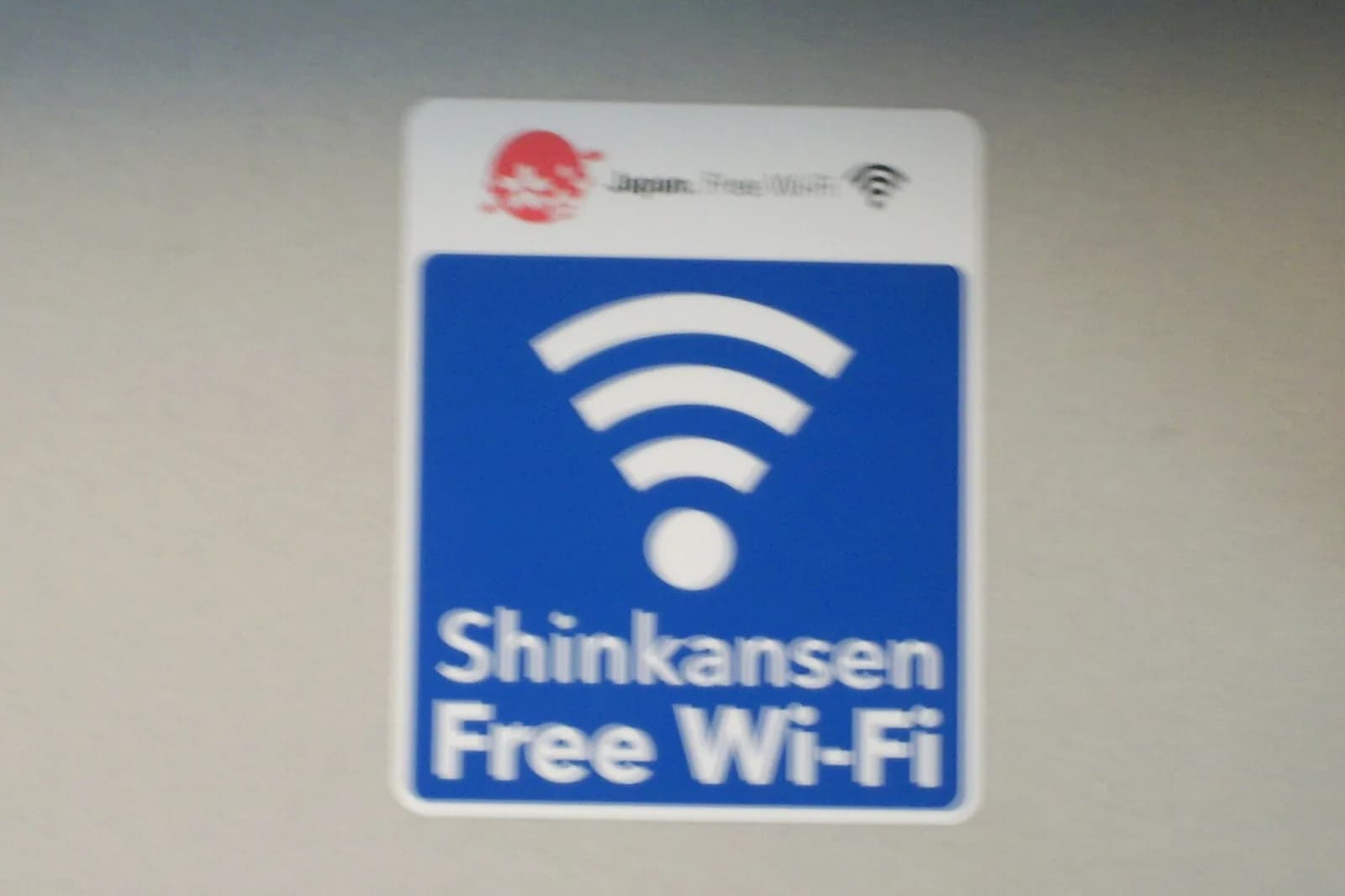
- Tokaido, Sanyo and Kyushu Shinkansen. The network is called Shinkansen_Free_Wi-Fi. You register with an email address or a social account, and JR Central states that you must reconnect every 30 minutes. JNTO warns that it can be weak in tunnels and that large downloads may be restricted.
- JR West stations. Free wifi in 44 major stations and on trains carrying the sticker. At Kyoto and Shin-Osaka it does not reach the Shinkansen gates, according to JR West's own list.
- Hotels, cafes and shops. Almost every hotel has wifi, and so do the large cafe chains. This is where to run backups, app updates and map downloads.
Public networks are open networks. Avoid banking on them, or use a VPN.
eSIM for a long stay in Japan: Japanese carriers and low-cost brands
Past a month, a travel eSIM becomes expensive and still gives you no number. What you can sign up for depends on your papers. On a working holiday visa or any status that comes with a residence card, the Japanese low-cost brands open up. On the digital nomad visa, which comes without a residence card, you stay with products that accept a passport.
| Option | Price checked in 2026 | What you need |
|---|---|---|
| povo Japan SIM (KDDI, data-only eSIM for visitors) | From ¥600 for 3 GB over 3 days (about $4) to ¥2,700 for 20 GB over 30 days (about $17). Unlimited 7 days ¥3,390 (about $21) | No identity document, ordered from abroad, on sale since 30 April 2026 |
| Mobal (voice and data, docomo network) | ¥1,650 to ¥5,280 a month (about $10 to $33) plus ¥4,950 once | Passport, unlocked phone with VoLTE. No residence card or Japanese bank account |
| Rakuten Mobile (Saikyo plan) | ¥1,078 up to 3 GB, ¥2,178 up to 20 GB, ¥3,278 unlimited (about $7, $14 and $20). ¥110 less with the family discount | Sign-up as a resident. Rakuten's plan page does not list the documents for foreigners |
| LINEMO (SoftBank network) | ¥990 up to 3 GB, ¥2,090 for 10 GB, ¥2,970 for 30 GB with 5-minute calls (about $6, $13 and $19) | Residence card, Japanese address, Japanese contact number, card or bank account |
One trap for anyone arriving with an eSIM-only phone: according to Sakura Mobile's February 2026 guide, LINEMO issues an eSIM only to holders of permanent resident status and sends a physical SIM to everyone else. With a US iPhone or an iPhone 17 that has no tray, that plan is out of reach. Other low-cost brands such as ahamo (docomo) and IIJmio follow the same logic of residence card, address and Japanese payment method, mostly through sign-up pages in Japanese. The usual sequence for a new resident is a passport-friendly product for the first weeks, then a switch once the residence card, the address and the bank account exist. The order of those steps is laid out in our guide to moving to Japan.
Japan eSIM not working: fixes for the common problems
No service or no data after landing
Work through these in order, each takes under a minute. Check that the Japan eSIM is switched on and selected for mobile data. Turn on Data Roaming for the Japan line. Switch airplane mode on for ten seconds, then off. Restart the phone. If the status bar still shows no carrier, open the network selection menu, turn off automatic and pick SoftBank or KDDI by hand, depending on the network your vendor names. Last, check the vendor's install email for an APN to enter by hand: some plans need one.
Slow connection on an unlimited plan
You have probably passed the daily allowance: 3 GB at Airalo, unpublished at Holafly and Yesim. Speed comes back the next day. If you were tethering on Holafly, the 1 GB daily hotspot cap applies before the general one. Crowded places also slow everything down for everyone: stations at rush hour, stadiums, the Shibuya crossing on a Saturday night.
The eSIM will not install
The download needs wifi or another connection. An error at this stage usually means the phone is still carrier-locked, or the QR code has already been used on another device. Have your EID and IMEI ready (dial *#06#) when you contact the vendor's support.
Apps and websites that behave as if you were abroad
A travel eSIM is a roaming line, and its traffic often leaves through a network outside Japan, so some sites can see a foreign address. Streaming catalogues, a few Japanese apps and bank security checks can react to that. Hotel wifi gives you a Japanese address when you need one.
Running out of data or days
Airalo and Yesim let you top up the same eSIM from the app. Holafly's Japan page shows no top-up, so you buy a new plan. Either way you need a connection to pay, which is one more reason to keep an eye on the balance before a day in the mountains.